
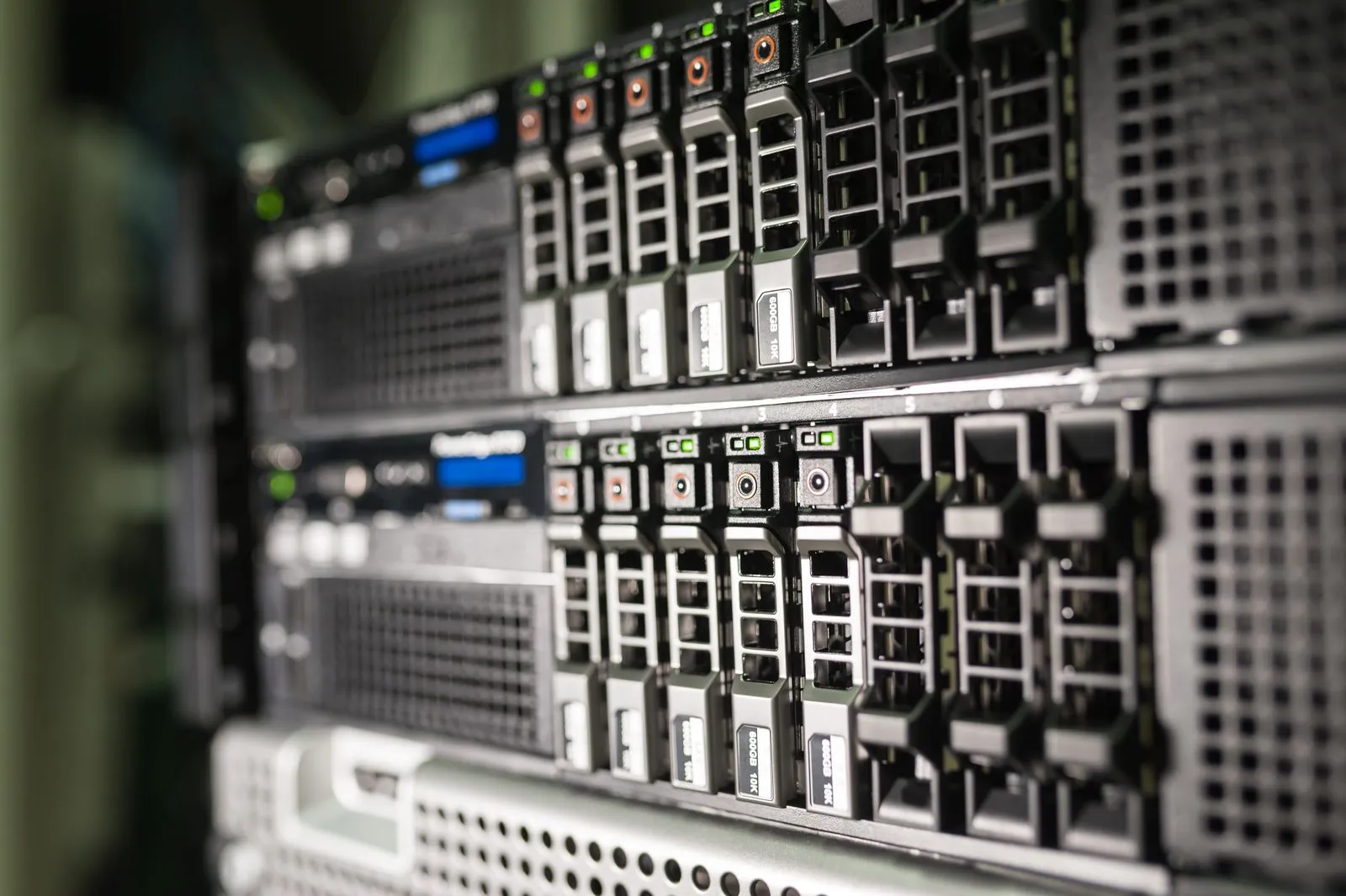
A RAID array can help keep a server running when a drive fails, but it is not a substitute for a separate backup. Multiple drive problems, controller faults, or configuration errors can make data inaccessible. Warning signs may appear before a complete outage, and the steps taken afterward can affect what recovery options remain. If your server reports a RAID problem, pause routine maintenance, record what you see, and avoid changes until you understand the array’s condition.
Recognize common warning signs
Watch for drive-failure alerts, a degraded-array message, repeated rebuild attempts, or a server that cannot mount its volumes. Other clues include unusual drive noises, slow or intermittent access, missing folders, and unexpected read errors. One warning may point to a single component; several symptoms together can indicate that the array is under greater stress.
A RAID controller log or management interface may show which disk it considers failed, but treat that status as a clue rather than a complete diagnosis. A drive can be marked offline because of a connection, controller, or configuration issue. Save error messages and note when symptoms began so a specialist can compare them with the array’s layout and history.
Understand how RAID problems develop
RAID levels distribute or mirror data in different ways, so they tolerate different combinations of drive failures. If another drive fails while an array is degraded, the remaining data may no longer be accessible. A rebuild also places sustained activity on the surviving drives, which can expose existing weaknesses or errors.
Not every RAID issue starts with a failed disk. A faulty controller, damaged cables, power problems, incorrect drive order, or changed configuration can prevent the server from recognizing an otherwise intact array. Because the same symptoms can have different causes, avoid assuming that swapping a disk or changing settings will fix the problem.
Pause before making changes
If the data matters, stop nonessential writes and do not initialize, format, or recreate the array. Avoid repeated power cycles, forced rebuilds, firmware updates, and trial-and-error changes in the RAID utility. These actions can overwrite metadata, alter the array’s state, or add stress to drives that may already be failing.
Do not move drives between slots unless you have documented their original positions and received guidance specific to the system. Some arrays depend on drive order or controller metadata. If the server is still running, do not assume that continued operation is safe; minimize activity and consult a qualified recovery professional before attempting repairs.
Prepare for a safer recovery
Record the server model, RAID level if known, controller model, drive count, slot order, and any recent maintenance or power events. Photograph the drive bays and capture controller messages or logs without changing settings. Keep failed or removed drives labeled by their original bay, and do not discard or replace them until the recovery plan is clear.
Check whether a verified, separate backup is available and confirm its last successful restore or backup date. If there is no usable backup, or the array contains irreplaceable data, contact a data recovery specialist before rebuilding. Share your notes and error details with the provider; at Tidewater Data Recovery, the first conversation can help clarify what information to gather next.
RAID warnings deserve a careful response, not a quick rebuild. Preserve the drive order, capture the system’s messages, limit unnecessary activity, and verify backups before making changes. When the data is important or the failure is unclear, consult a recovery professional before proceeding. Contact Tidewater Data Recovery to discuss your server’s symptoms and possible next steps.